
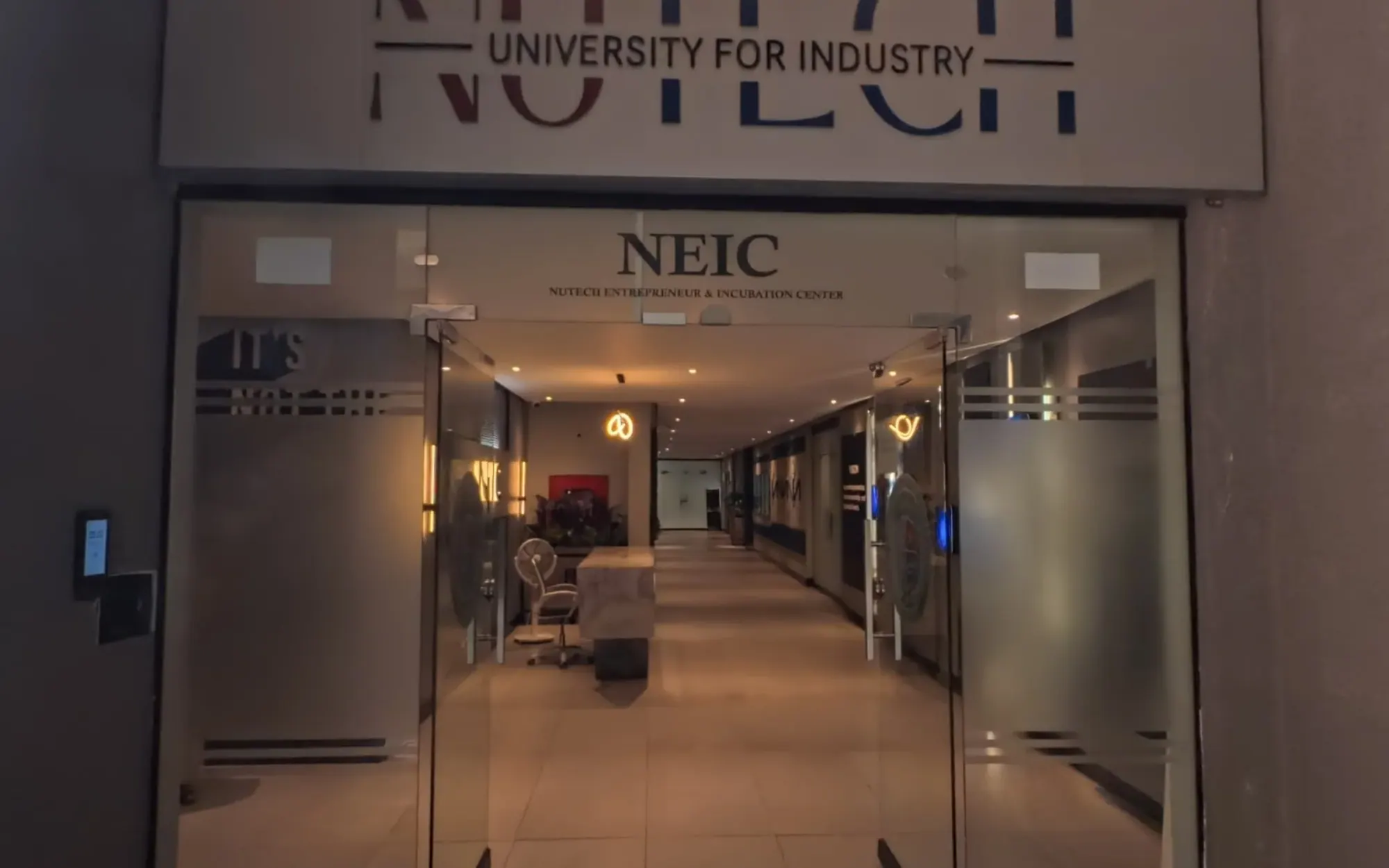
If you search for a business on Google Maps, you sometimes get to step inside it: a 360° view of a restaurant's dining room or a clinic's waiting area, right there in the listing. So when we talk to venues about a virtual tour, one question comes up a lot. Doesn't Google already do this?
Partly. Indoor Street View and a full virtual tour both start from 360° photos, but they are built for different moments in a visitor's decision. Here is what each one actually gives you.
What "Street View inside your business" means today
Google lets anyone add 360° photos to a place on Google Maps, from the Contribute tab in the Google Maps app or from Street View Studio on a computer. The standalone Street View app that used to do this was retired in March 2023, so older guides that tell you to download it are out of date.
You can take the photos yourself with a 360° camera, or hire a photographer to do it. If you hire one, it helps to know that Google does not employ these photographers. They are independent, some carry a "trusted" badge from Google's contributor programme, and Google's own fraud policy warns businesses to be careful with anyone who claims otherwise.
One condition matters before any of this: Google only shows photos on a Business Profile once the business is verified. If your listing on Maps is still unverified, sort that out first. It is free, and it is worth doing whatever else you decide.
What Google gives you that a tour on its own cannot
Reach. People already search Maps for places to eat, study, stay and get treated, and your 360° photos appear exactly there, next to your reviews, your hours and the directions button. Nobody needs a link from you to find them.
It also costs nothing to publish photos you took yourself. For a small shop that only wants people to see the inside before they come, a few good 360° photos on a verified listing may be enough.
What it does not do
Street View shows a space. It does not explain it, and it does not tell you anything back.
You cannot put your own information inside a room: what the boardroom costs to book, which floor the admissions office is on, what the deluxe room includes. A visitor who wants to know about fees, timings or parking has to leave Maps and call you, and only during your working hours.
You also see very little of what happened. Google's numbers are about your profile as a whole, like views, calls and direction requests. Nothing tells you which room people spent time in or what they wanted to know.
And it all lives on Google's terms. Your photos sit inside Google's viewer, next to whatever else Maps decides to show, under Google's content rules.
What a full virtual tour adds
A tour is something you own and send. The visitor gets a link from you, on WhatsApp, in an email, or on your website, and walks through the whole place in order, the way they would on a real visit.
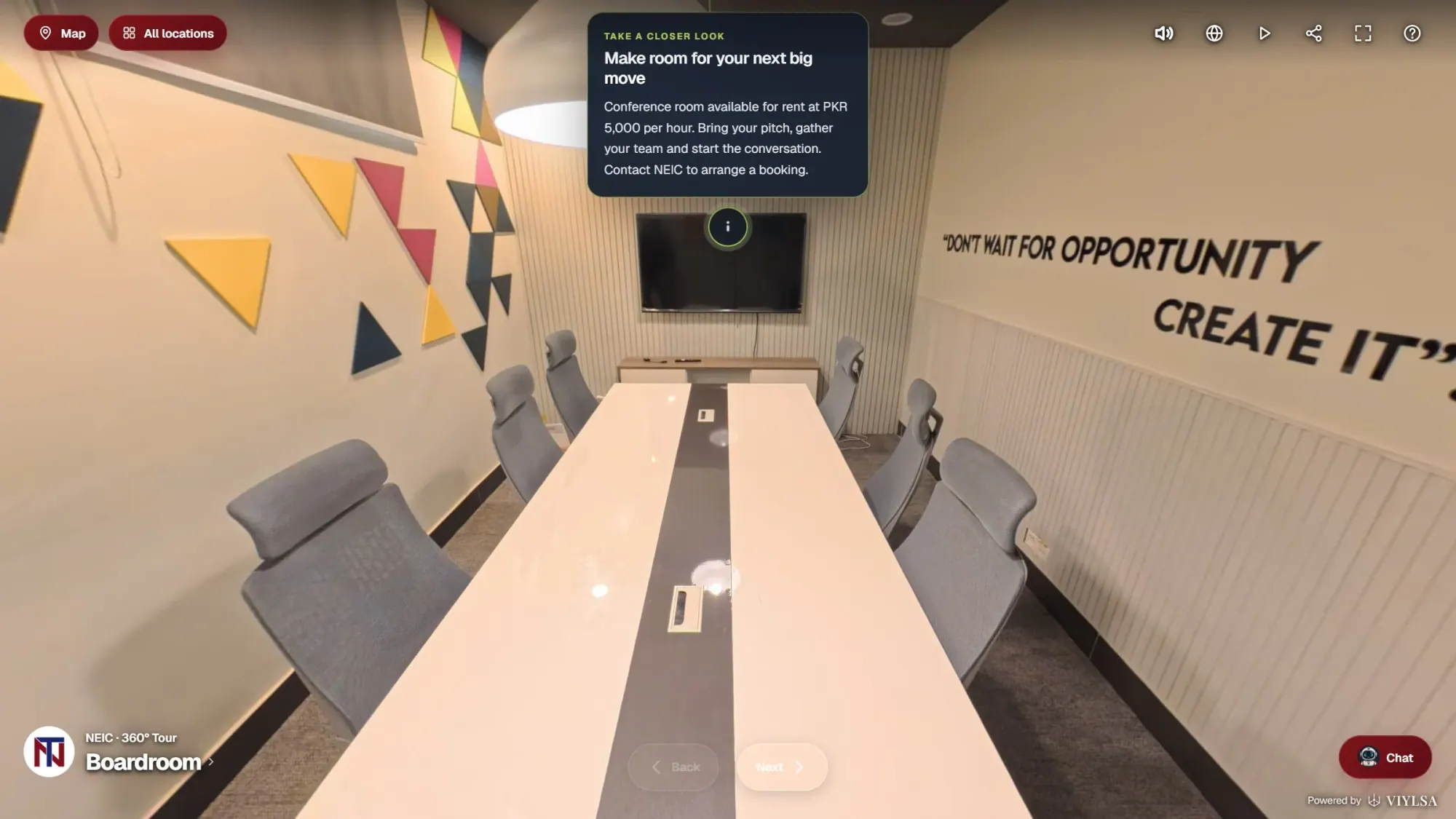
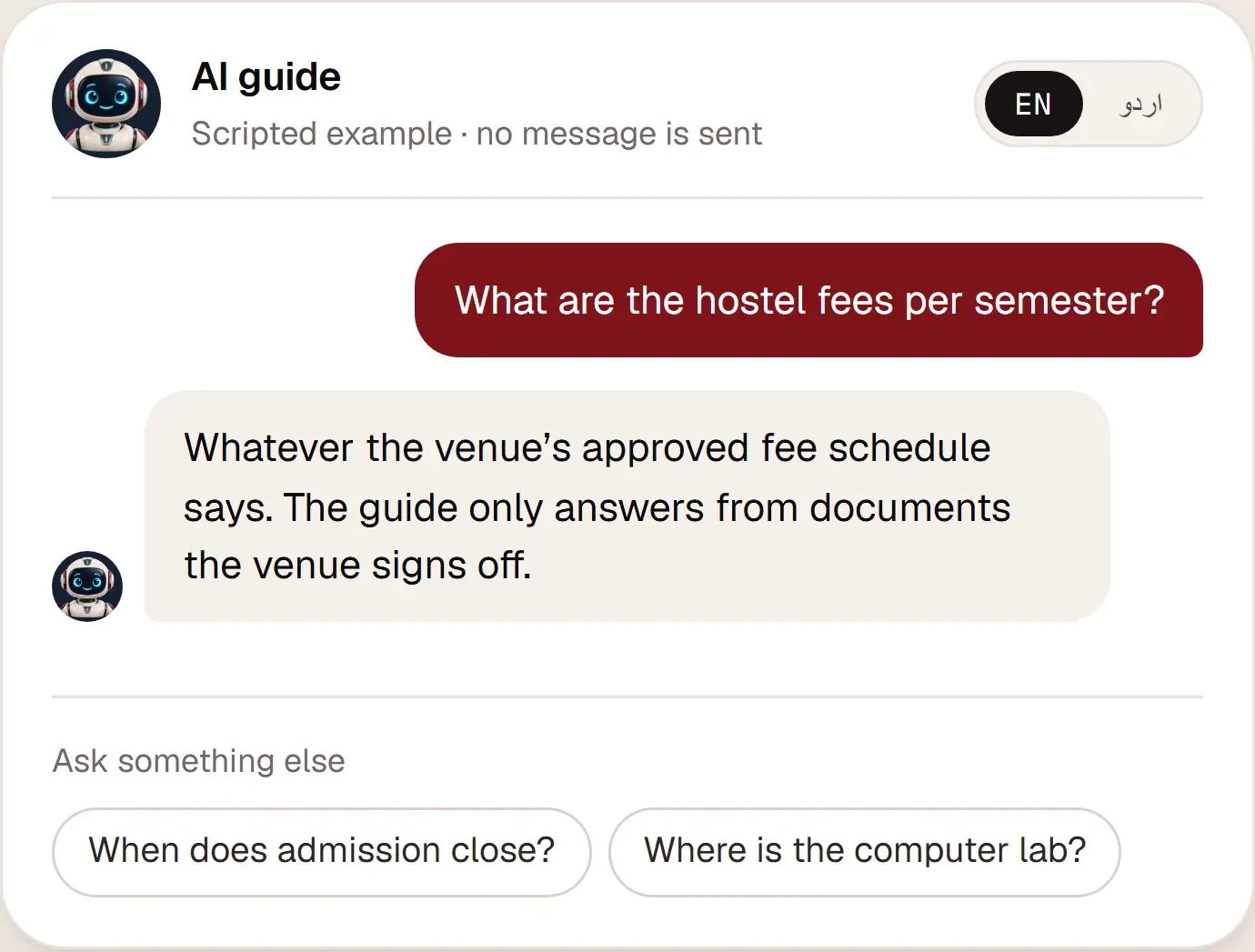
Inside a VIYLSA tour, the rooms can explain themselves through info points, and a built-in AI guide answers questions in English or Urdu from the documents you approve. When the guide does not know something, it gives the visitor your contact details instead of making something up.
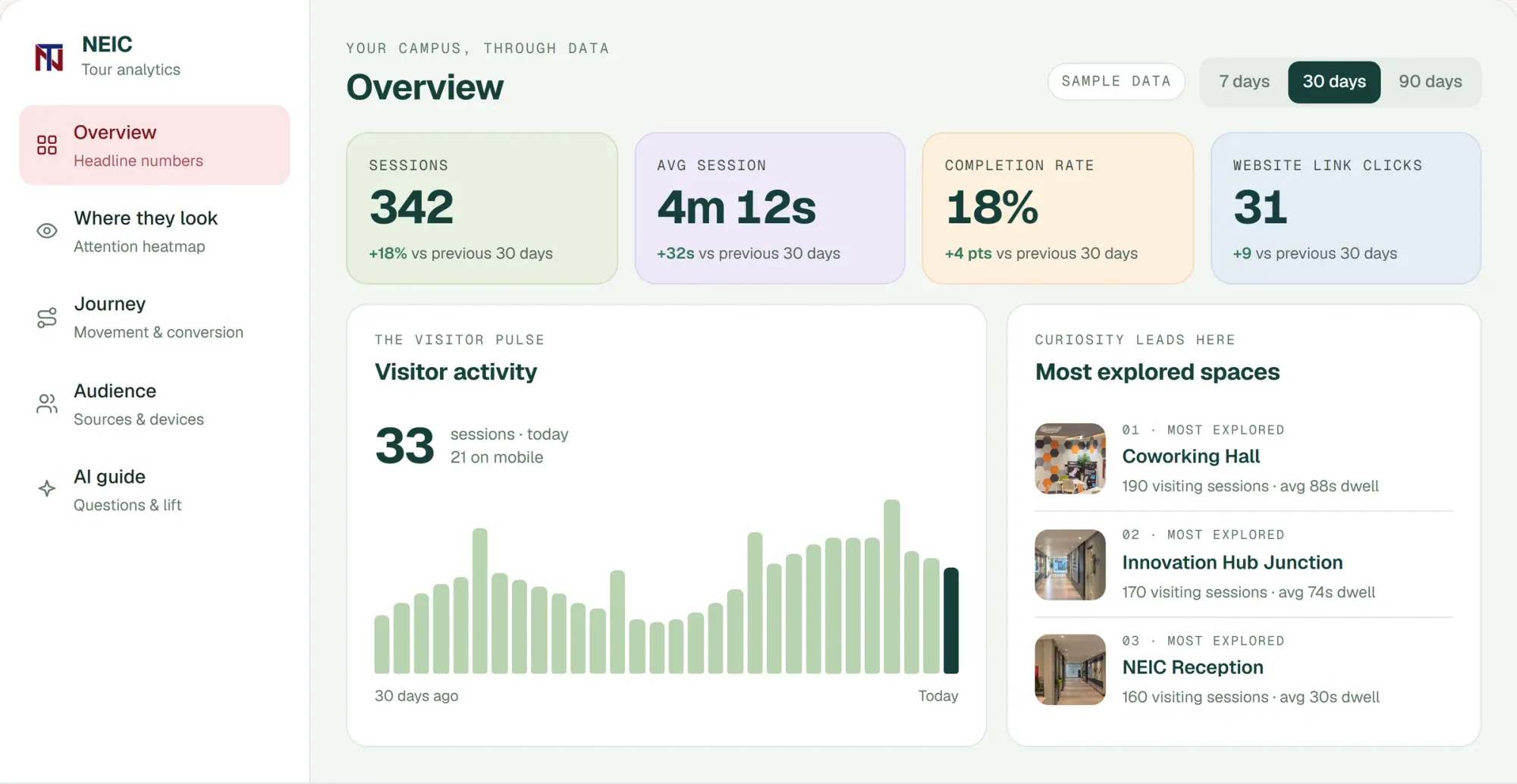
And you can see what visitors did: which spaces they opened, how long they stayed, what they asked, and which of them got in touch.
Side by side
| Indoor Street View on Google Maps | Your own virtual tour | |
|---|---|---|
| Where people find it | In Google Maps and Search | Wherever you send or place the link |
| Who controls it | Google's viewer and rules | You |
| Information in each room | No | Info points you write |
| Questions answered | No | AI guide, English and Urdu |
| What you learn | Profile-level numbers | Rooms opened, time spent, questions, enquiries |
| Cost | Free if you shoot it yourself | Quoted per venue |
So which one do you need?
For most venues we talk to, the honest answer is both, doing different jobs.
Put a handful of 360° photos on your verified Google listing, the entrance and your best room or two, so people who find you on Maps can see you are real and worth a closer look. Then give the people who are actually deciding (the parent comparing campuses, the family booking a hall, the company looking for office space) the full tour: every room in order, with answers built in, through a link they can open on their phone.
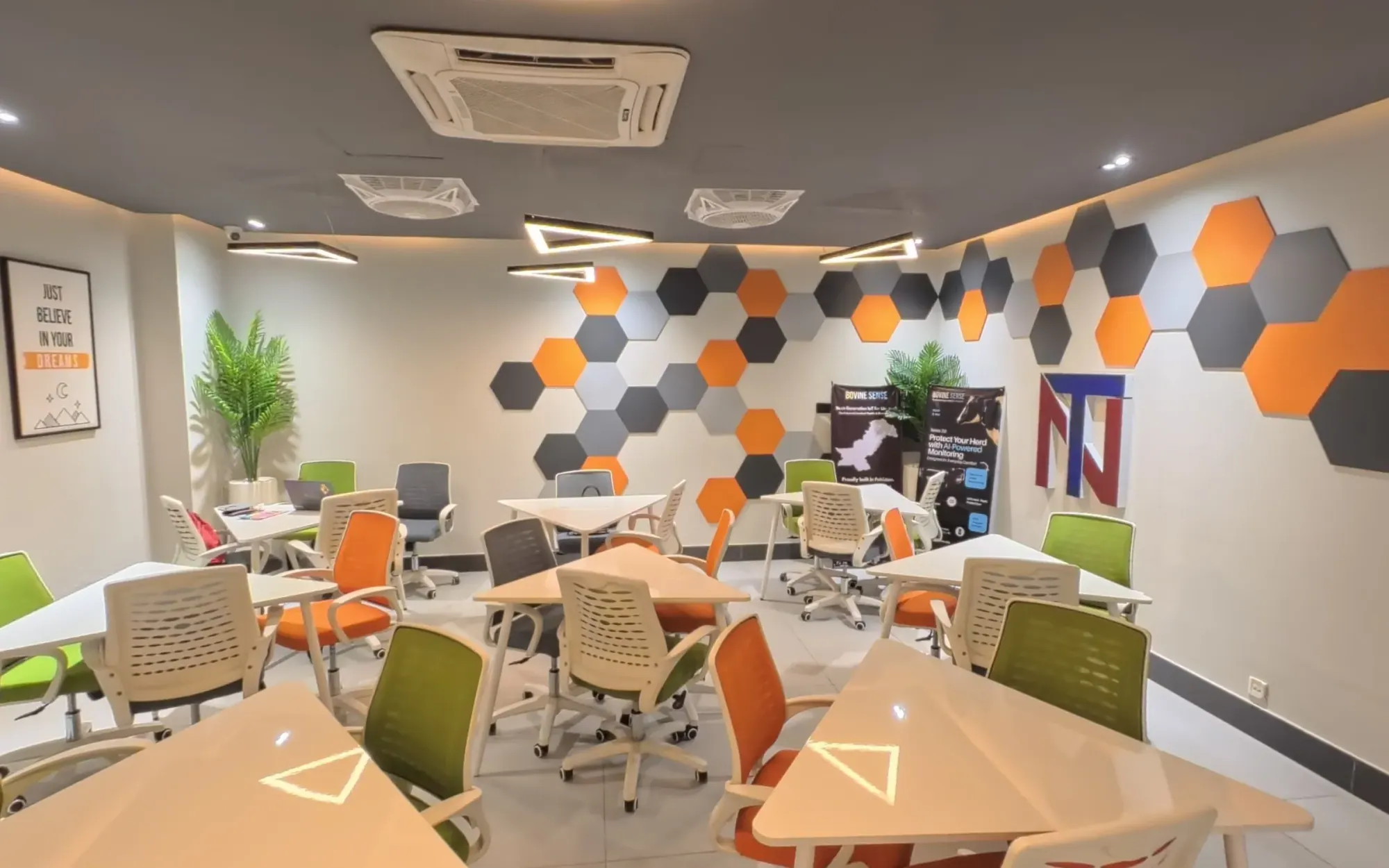
If you want to see the difference for yourself, walk the NEIC tour and then look up any business near you on Google Maps. And if you want to know what a tour of your place would involve, get in touch.
 Aleena Tahir
 Aena Habib